
Why Cloud-Based Laundry Software Beats Desktop Software in 2026
If you're running a laundry or dry-cleaning business, you've probably faced this choice: stick with traditional desktop software or move to a cloud-based system. Many shop owners I've spoken with hesitate because desktop feels "safe" — it's what they know. But here's what I've seen firsthand: businesses that switched to cloud systems reduced billing errors by half and cut down customer complaints about order tracking. This guide breaks down exactly why cloud-based laundry software is the smarter choice for modern businesses, and how solutions like EzerBiz Laundry POS can transform daily operations.
What Desktop Laundry Software Actually Means
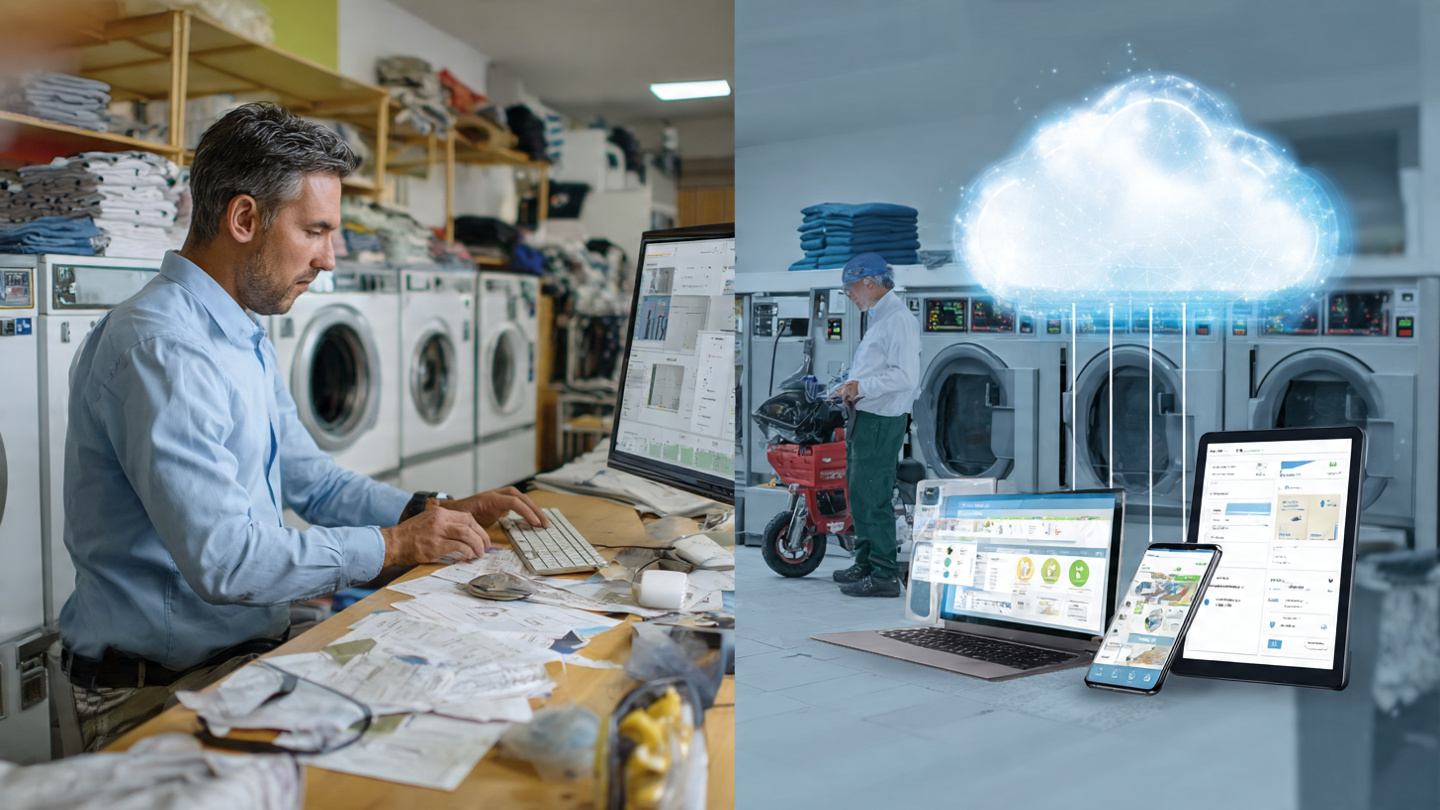
Desktop software runs locally on your computer. You install it once, and everything — customer data, billing records, inventory — sits on that single machine.
Sounds simple enough. But there's a catch.
When that computer crashes, your business stops. I've talked to shop owners who lost entire months of customer records because their hard drive failed and they had no backup. One Bangalore dry cleaner told me he couldn't process orders for two days while his IT guy tried recovering data.
Desktop systems also tie you to one location. You can't check today's orders from home. You can't see which customer called while you're out for deliveries. Everything requires you to be physically present at that computer.
How Cloud-Based Laundry Software Actually Works
Cloud software runs on remote servers. You access it through any device — laptop, phone, tablet — using just an internet connection.
Your data isn't trapped on one machine anymore. It's securely stored on professional servers with automatic backups. This means you can log in from anywhere and see live updates.
When your delivery boy marks an order complete on his phone, you see it instantly on your laptop. When you add a new customer at the counter, your branch manager can see that customer's history immediately.
The software provider handles updates, security patches, and server maintenance. You just log in and work.
Real Problems Desktop Software Creates for Laundry Businesses
You're Always Playing Catch-Up with Updates
Desktop software needs manual updates. Most shop owners I know delay these updates because they're worried something will break. Then security vulnerabilities pile up.
One Mumbai laundry owner ran software that was three versions old because "updates take time and sometimes mess things up." Fair concern, but outdated software meant he couldn't integrate online payment gateways his customers wanted.
Multi-Location Operations Become a Nightmare
Planning to open a second branch? Desktop software forces you to maintain separate databases for each location.
I've seen owners manually consolidate data at the end of each month — copying numbers from Branch A's computer to Branch B's Excel sheet. It's tedious work, and errors creep in constantly.
Staff Dependency Locks You In
When only one person knows how to work the software properly, you're stuck. That person goes on leave, and suddenly simple tasks take twice as long.
Cloud systems are generally more intuitive, plus you can give limited access to different staff members. Your counter person doesn't need to see financial reports. Your accountant doesn't need to handle customer orders.
ofeatures
The Business Advantages Cloud Software Brings
Access Your Business Anytime, Anywhere
This isn't just convenience — it's competitive advantage.
A customer calls at 8 PM asking about their order status. With cloud-based software, you check your phone and give them an answer in seconds. With desktop, you either don't know or promise to check "tomorrow when the shop opens."
During festivals or busy seasons, you can monitor operations from home. See which orders are pending. Check if staff need support. Make decisions in real-time.
Automatic Backups Mean You Never Lose Data
Cloud systems back up your data continuously. Server crashes don't affect you. Accidentally delete something? It's recoverable.
Compare this to desktop systems where backing up means remembering to copy files to an external hard drive. Most owners forget. Until they lose everything.
One Chennai dry cleaner lost his entire customer database when his shop flooded. Desktop computer was ruined. No backup. He had to rebuild customer information from old paper receipts and phone contacts.
Scaling Up Becomes Simple
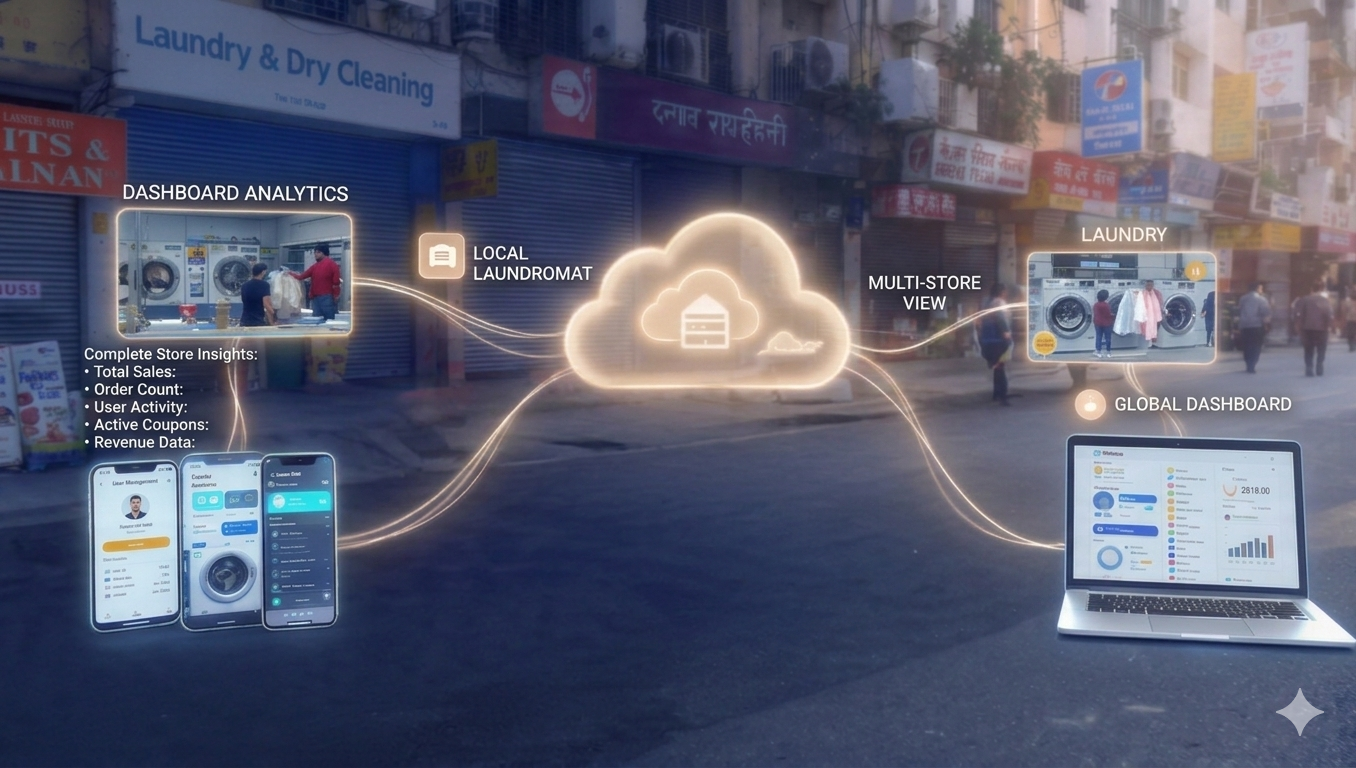
Adding a new branch with cloud software? You just create new user accounts and they're connected to the same system instantly.
Desktop software requires buying new licenses, installing on new machines, and then figuring out how to sync data between locations. It's expensive and complicated.
Cost Comparison: Cloud vs Desktop
Desktop software typically has higher upfront costs. You pay for licenses, often ₹15,000-₹40,000 per installation. Then there's maintenance, IT support, and hardware costs.
Cloud software usually works on subscription — monthly or yearly. Initial costs are lower. You pay ₹3,000-₹8,000 monthly depending on features and business size.
But here's what the pricing doesn't show: hidden costs.
Desktop systems need:
- Regular IT maintenance
- Hardware upgrades every few years
- Manual backup solutions
- Separate software for each branch
- On-site troubleshooting when issues arise
Cloud systems include all this in the subscription. Server maintenance, security updates, technical support — all handled by the provider.
Over three years, cloud software often costs less overall. Plus you avoid the risk of sudden large expenses when hardware fails.
Security: Addressing the Biggest Concern
Most shop owners worry cloud means their data is "floating out there somewhere" and less secure. I get it. But reality is opposite.
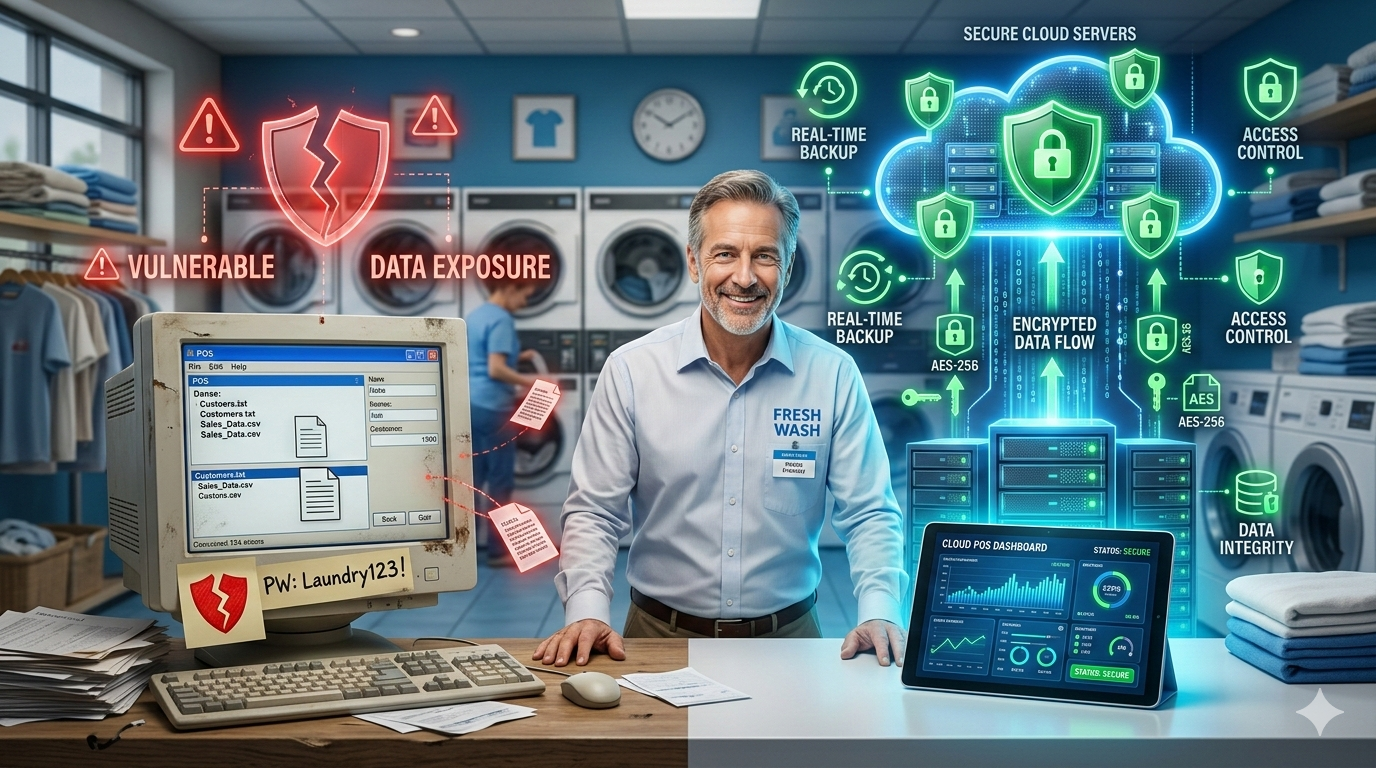
Cloud providers invest heavily in security — more than any small business can afford locally. They use encryption, multiple server backups across different locations, and professional security teams monitoring for threats.
Desktop systems? Your security is as good as your computer's antivirus and your staff's password habits.
I've seen shop owners use "password123" or keep their computer unlocked all day. Anyone can access everything. With cloud systems, you can enforce strong passwords, use two-factor authentication, and track who accessed what data when.
Yes, you need internet. But even in areas with occasional connectivity issues, modern cloud software works offline temporarily and syncs when connection returns.
How EzerBiz Laundry POS Can Help Your Business
If you're considering the switch to cloud-based management, EzerBiz Laundry POS offers exactly what laundry businesses need without the complexity.
It handles billing with GST compliance built in. Track orders from pickup to delivery. Manage customer information and preferences. Your delivery staff can update order status through their phones immediately.
Multi-branch operations? Each location stays connected to the same system. You see consolidated reports across all branches without manual data entry.
The mobile app means customers can place orders, track status, and make payments without calling you constantly. This reduces phone interruptions during busy hours while improving customer experience.
What I appreciate about systems like EzerBiz is they're designed specifically for laundry businesses. Not generic retail software adapted poorly. The workflows match how laundry shops actually operate.
Ezer Laundry POS System
Streamline your laundry business with our comprehensive POS system. Features include smart billing, garment tracking, WhatsApp notifications, and cloud backup.
Making the Transition Smooth
Switching systems sounds disruptive. But it doesn't have to be.
Start by running both systems parallel for two weeks. Enter data in both. This gives staff time to learn without pressure.
Most cloud software providers offer data migration support. They'll help transfer your existing customer database and other records.
Train one staff member thoroughly first. They become your internal expert who helps others. Don't try training everyone at once.
How to Start Your Laundry Business in 2026: Complete Guide
Common Mistakes to Avoid
Don't choose software based on price alone. The cheapest option often lacks critical features or good support.
Don't skip the trial period. Actually use the software for real transactions during the trial. See how it handles your specific workflow.
Don't ignore customer support quality. When you have issues at 6 PM on Saturday, can you reach someone? Or do you wait until Monday?
Avoid providers who lock you into long contracts without testing first. Good software companies are confident enough to offer monthly billing or shorter initial commitments.
FAQs
Is cloud-based laundry software really safer than desktop software?
Yes, generally much safer. Cloud providers use enterprise-grade security including encryption, regular security audits, and redundant backups across multiple locations. Desktop systems rely on your local computer's security and your own backup discipline. Most small businesses can't match the security infrastructure professional cloud providers maintain.
What happens if my internet goes down?
Modern cloud software includes offline modes that let you continue basic operations like billing and order entry. The system stores this data locally and automatically syncs everything once internet connection returns. You won't lose any information entered during downtime.
Can I access cloud software from my mobile phone?
Absolutely. That's one of the main advantages. You can check orders, view reports, add customers, and manage operations from your smartphone or tablet. Many providers like EzerBiz offer dedicated mobile apps designed specifically for on-the-go access.
How much does cloud-based laundry software typically cost?
Expect ₹3,000 to ₹8,000 monthly depending on features, number of users, and business size. This usually includes all updates, cloud storage, and support. Desktop software costs ₹15,000-₹40,000 upfront plus ongoing IT maintenance and hardware costs.
Will my staff find cloud software difficult to learn?
Cloud interfaces are typically more intuitive than older desktop systems because they're designed with modern user experience principles. Most staff adapt within a few days, especially with role-based access that shows them only features relevant to their job.
Can cloud software handle multiple branch locations?
Yes, this is where cloud software truly excels. All branches connect to the same system in real-time. You get consolidated reporting, shared customer databases, and consistent operations across locations without complex data syncing.
Do I need to buy new computers to use cloud software?
Not necessarily. Cloud software works on existing computers, laptops, tablets, and smartphones. You just need an internet browser or app. This actually saves money compared to desktop software that often requires specific hardware specifications or operating systems.
Conclusion
Desktop software made sense when computers were isolated tools. But laundry businesses today need flexibility, security, and real-time information access that only cloud-based systems provide.
The businesses I've seen thrive are those that embraced cloud technology early. They spend less time managing software and more time serving customers. They scale easier. They handle problems faster.
If you're still running desktop software, you're working harder than necessary. Cloud-based solutions like EzerBiz Laundry POS remove operational bottlenecks and give you the tools modern customers expect — online booking, order tracking, digital payments.
The transition might feel daunting, but the daily operational improvements show up immediately. Want to see how cloud-based management can transform your laundry business? Explore EzerBiz Laundry POS and discover features built specifically for businesses like yours.